
AI property video maker
Scroll-stopping listing videos, made for you
Press one button and our AI director picks the best photos, writes the script, records the voiceover, scores the music and cuts a film that feels made for that home, not a template.
AI director
Every video is directed, not templated
The AI studies each photo, decides the story and the shots, then reviews its own cut before you see it. No two properties get the same film.
Natural voiceover
A short script about the home, read in a warm, human-sounding voice.
Original music
Royalty-free music timed to the edit, so there are no copyright strikes.
Cinematic movement
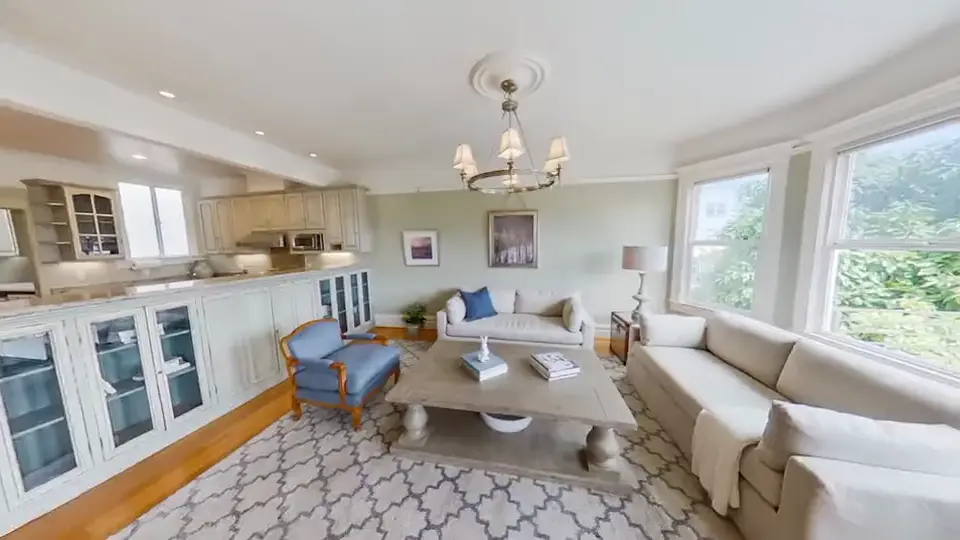
Gentle camera moves through your 360° and standard photos, with on-screen titles.
Your brand
Set your colours and logo once in Settings and every video uses them.
One button
Start from the photos you already have
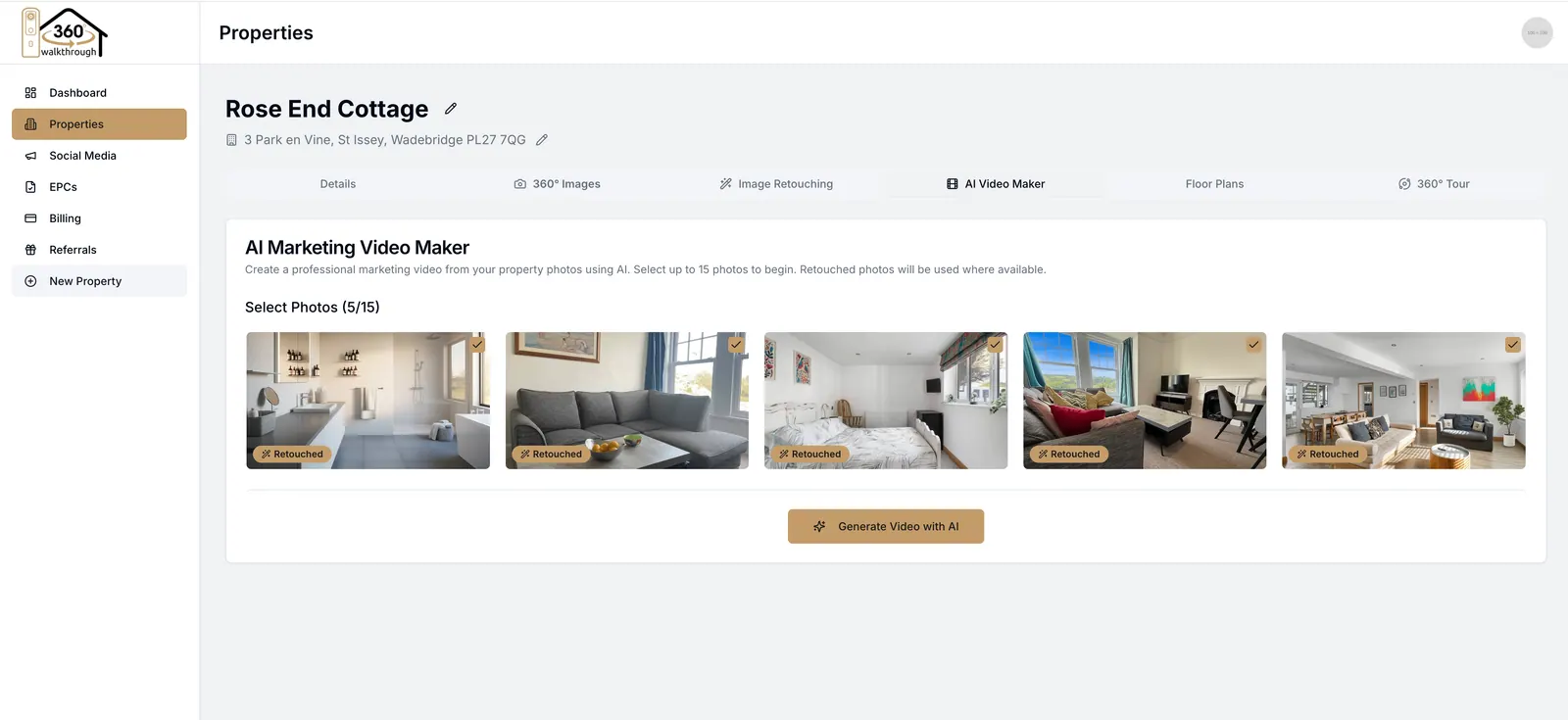
Open the property, add an optional note about what makes it special, and press Generate. The AI chooses the photos for you, and only puts numbers on screen that you have told it.
Add a note, or a voice note
Mention the garden, the school catchment or the new kitchen and it makes the cut.
No invented facts
Prices, sizes and counts only appear when they come from you.
Posted for you
From finished film to your feeds
Leo, your AI social media manager, can draft the caption and schedule the post across your connected channels, so the video works for you the day it is made.
Captions written
Post copy in your voice, ready to approve or edit.
Scheduled
Pick a time and Leo posts it to your connected channels.
How it works
From photos to a posted video
Minutes of your time, not an afternoon in an editing app.
Step 1
Add your photos
Upload your shoot, 360° photos and standard photos alike, to the property.
Step 2
Press Generate
Add a note if you like. The AI picks the shots, writes the script and directs the film.
Step 3
Review the cut
Watch it, download it, or generate another version.
Step 4
Share it
Post it yourself or let Leo schedule it to your social channels.
Questions
Frequently asked questions
Trusted partners
Ricoh Futures EMEA is excited to further strengthen its collaboration with Cristina and 360Gurus. Our 360 camera, RICOH360 THETA A1, together with the Premium Package, provides a long-term solution to support real estate clients’ 360 capture workflows. Combined with the innovative applications offered by 360Gurus, we deliver a seamless and high-quality customer experience.
Yuta Takeuchi
Ricoh Futures EMEA

Your next listing deserves a film
Sign up and turn your next shoot into a video that gets watched.