
AI floor plans
Clear floor plans for every listing
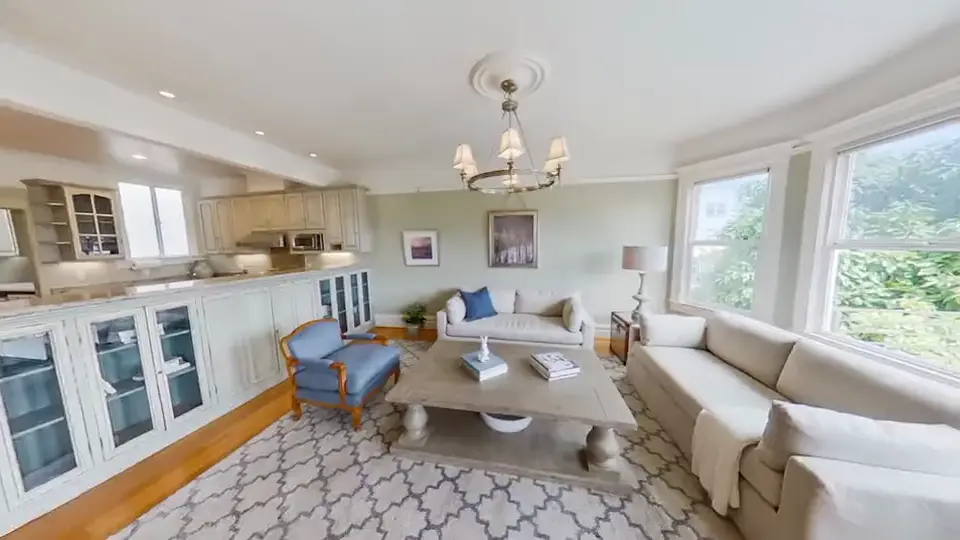
Scan with LiDAR for a measured plan, or let our AI draw a layout plan from your 360° photos. Either way, buyers see how the home fits together.
Measured with LiDAR
Scan the rooms, get a measured plan
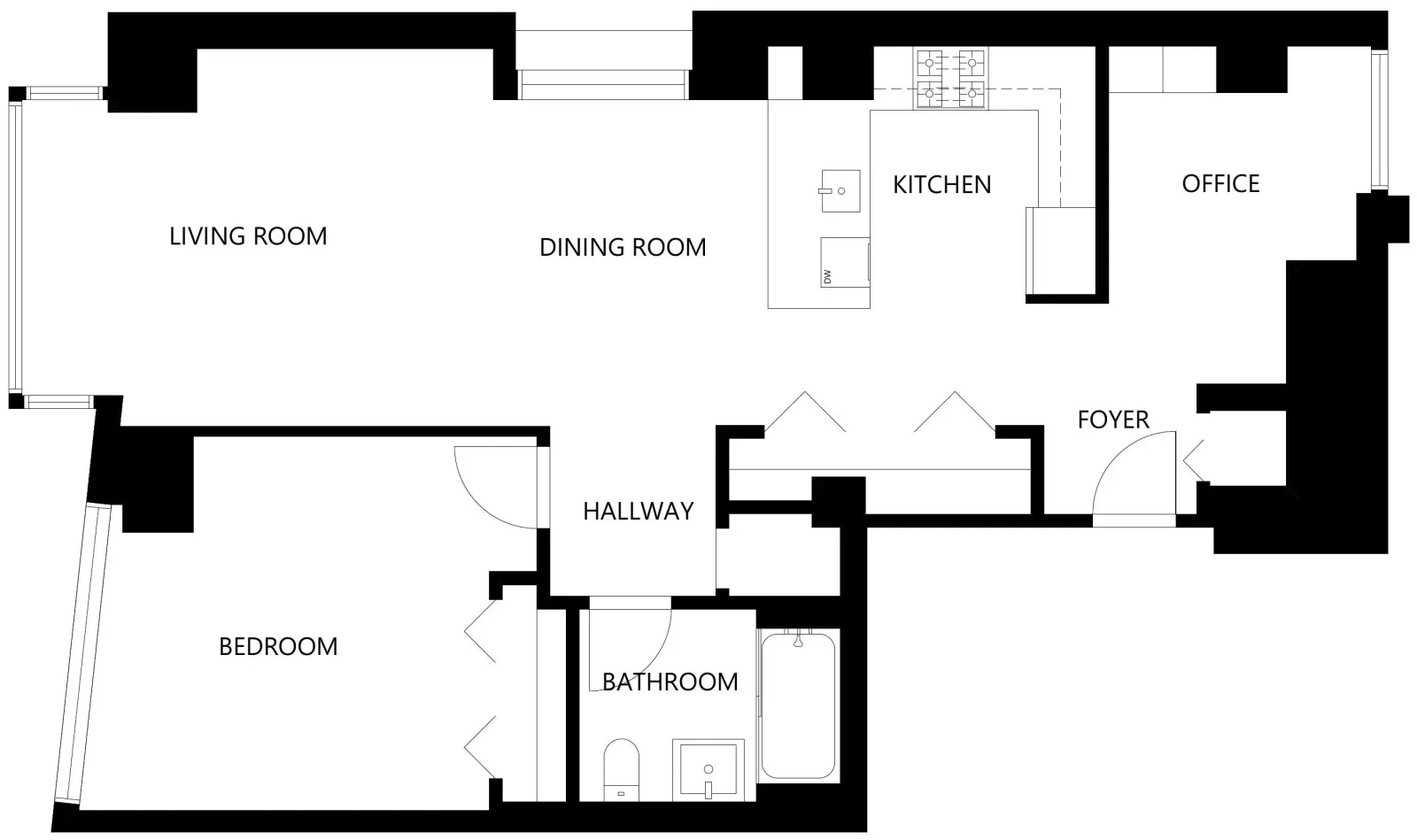
On a LiDAR-equipped iPhone or iPad Pro, the 360 Gurus app guides you round each room while you capture. The device measures the walls and openings, and we draw a clean plan for each floor.
Guided capture
Offered automatically on phones that support it, alongside your 360° photos.
Every floor
Basements, ground and upper floors, each with its own plan.
Ready to download
Download the plan for portals, brochures and window cards.
Clean, consistent style
Black and white plans with room names that read well at any size.
From your 360° photos
A layout plan with nothing extra to capture
When our AI builds your virtual tour, it also works out how the rooms connect and draws a layout plan for each floor. It powers the minimap in the tour and gives buyers a quick sense of the layout. These plans are estimates, so sizes are always marked approximate.
Measured or estimated
Two kinds of plan, clearly labelled
Buyers rely on floor plans, so we are clear about which ones are measured. Only LiDAR plans carry measurements.
Measured plan (LiDAR)
Scan each room with the 360 Gurus app on a LiDAR-equipped iPhone or iPad Pro.
- Walls and openings measured by the device as you scan
- Total floor area worked out from the scan
- One plan per floor, with the floor names you choose
Layout plan (from your 360° photos)
Drawn by our AI from the same photos as your virtual tour, with nothing extra to capture.
- Shows which rooms there are and how they connect
- Estimated, not measured: sizes are marked approximate
- Ideal for guidance next to the tour and on the listing
How it works
How you get a plan
Step 1
Capture the property
Take your 360° photos, and on a LiDAR iPhone or iPad Pro, scan each room in the app as you go.
Step 2
We draw the plans
Measured plans from your scan, or layout plans from your photos, one per floor.
Step 3
Use them everywhere
Show them in your tour, add them to the listing and download them for print.
Questions
Frequently asked questions
Trusted partners
Ricoh Futures EMEA is excited to further strengthen its collaboration with Cristina and 360Gurus. Our 360 camera, RICOH360 THETA A1, together with the Premium Package, provides a long-term solution to support real estate clients’ 360 capture workflows. Combined with the innovative applications offered by 360Gurus, we deliver a seamless and high-quality customer experience.
Yuta Takeuchi
Ricoh Futures EMEA

Add a floor plan to your next listing
Sign up and get plans alongside your virtual tours.