
 Integration
Welcome to the Hostaway integration
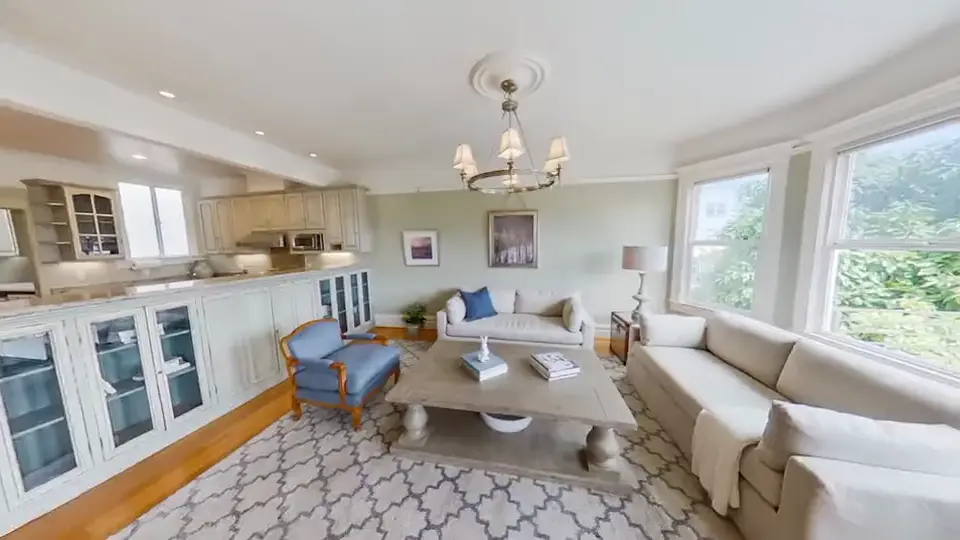
Seamlessly connect your Hostaway account to automatically push your stunning 360° virtual tours directly to your holiday rental listings.
From a host
“The 360 Gurus integration for Hostaway has streamlined our marketing efforts, allowing us to enhance our listings with immersive virtual tours with just a few clicks.”
Get in touch
Contact us for a personal onboarding experience.
User guide
How to integrate Hostaway with 360Gurus.io
This step-by-step guide explains how to connect your Hostaway account to 360Gurus.io and seamlessly import your existing rental properties.
About 360Gurus.io
We are a property marketing platform that specialises in creating stunning virtual tours. We also offer features like floor plan generation to help guests visualise your layouts, alongside AI Gurus designed to significantly cut down your weekly workload.
Prerequisites
- An active Hostaway account
- An active 360Gurus.io account
Integration steps
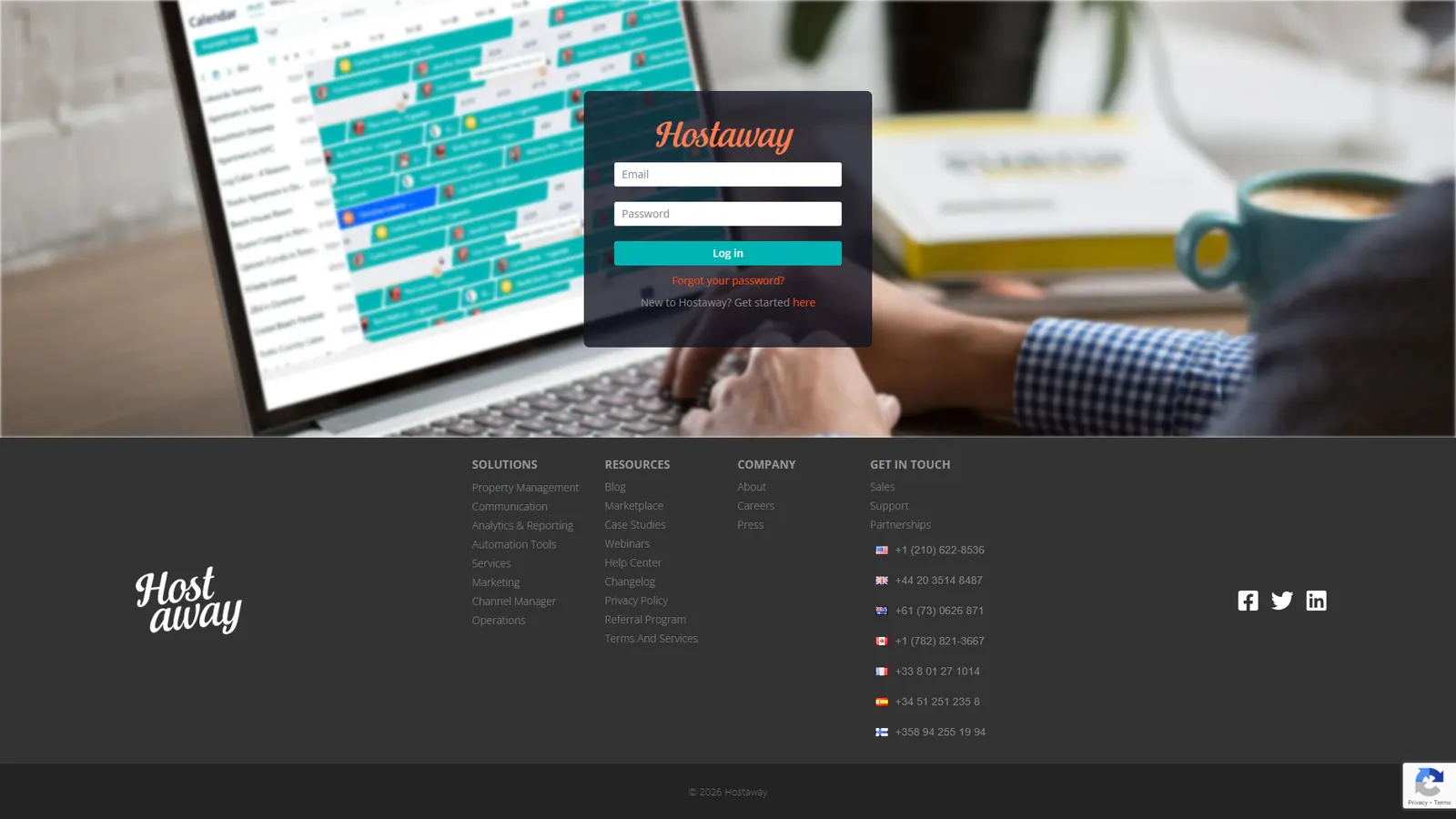
Log in to Hostaway
Navigate to the Hostaway Dashboard and log in with your account credentials.
Find the 360Gurus.io integration
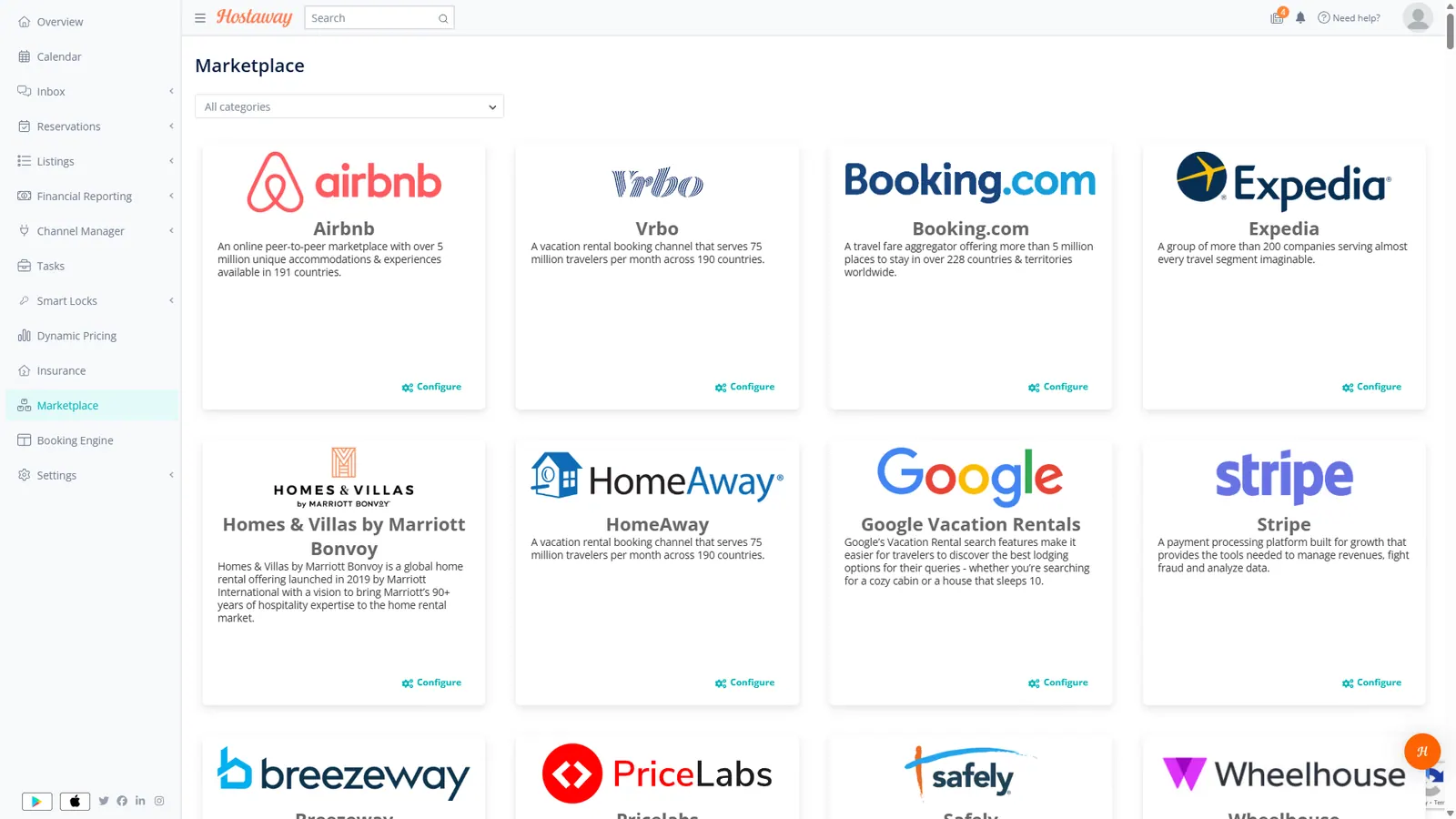
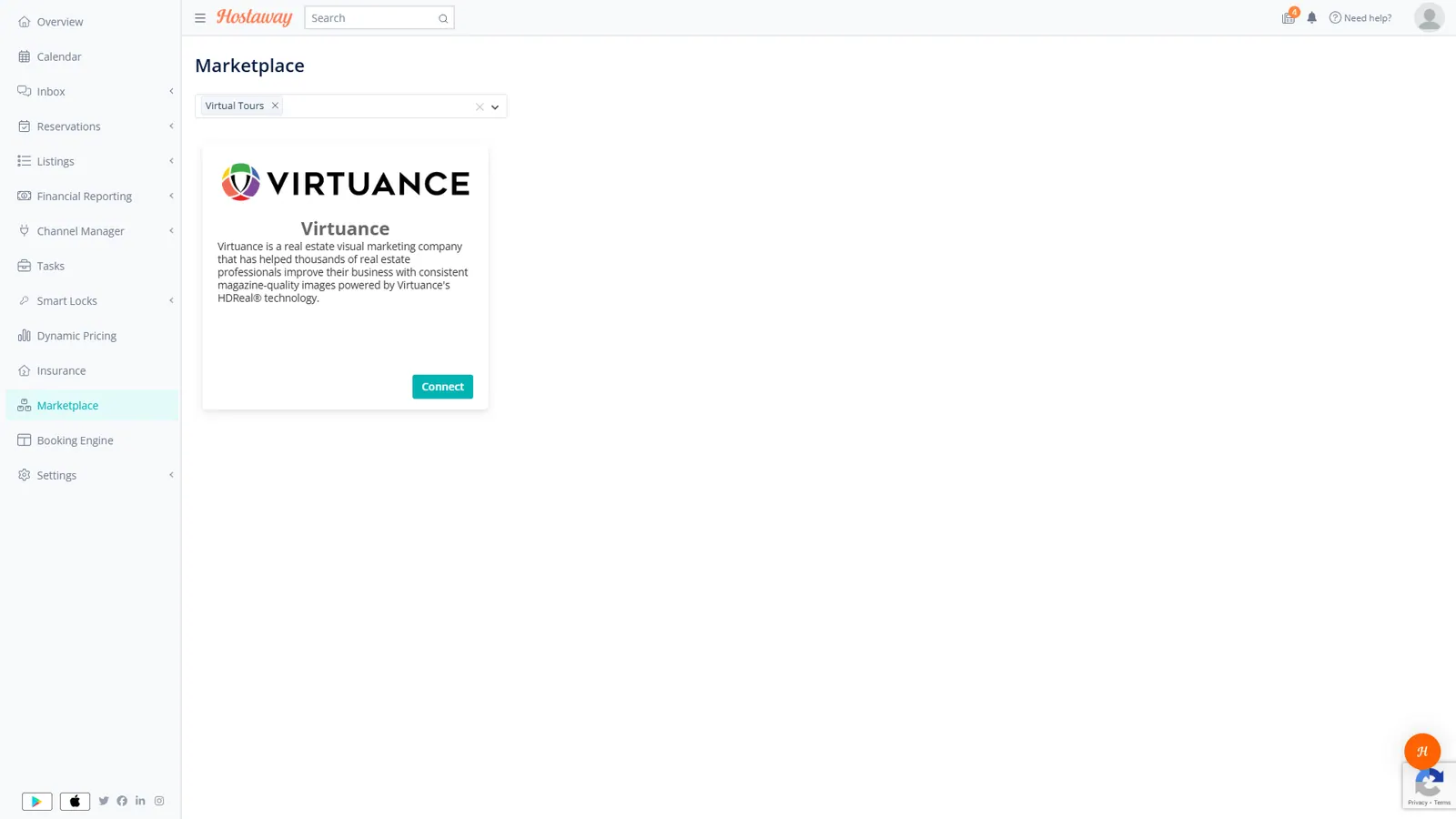
Go to the Marketplace via the left-hand sidebar. Locate 360Gurus.io in the list of integrations. Tip: Filter the list using the "Virtual Tour" tag.
Create your API key
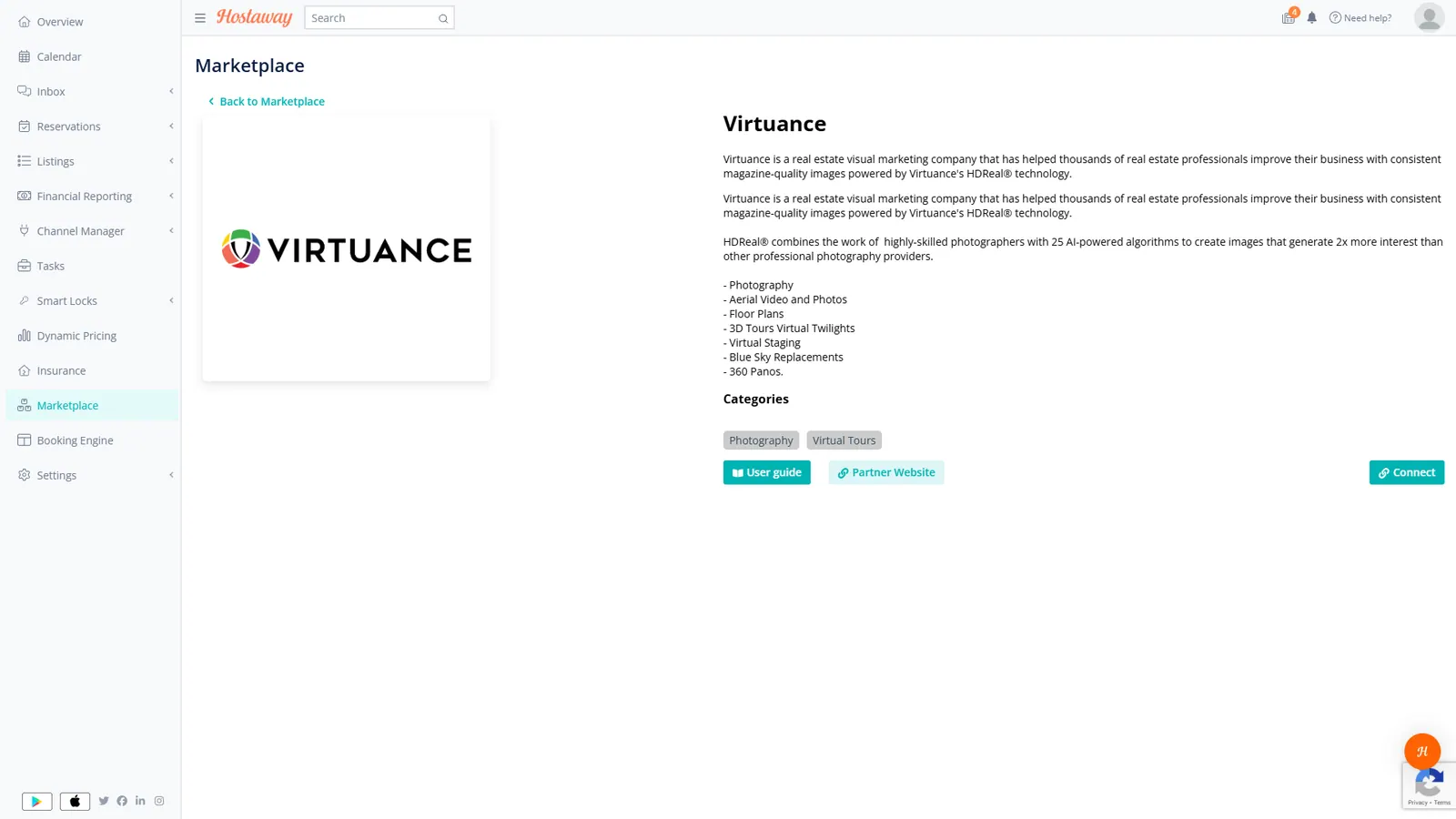
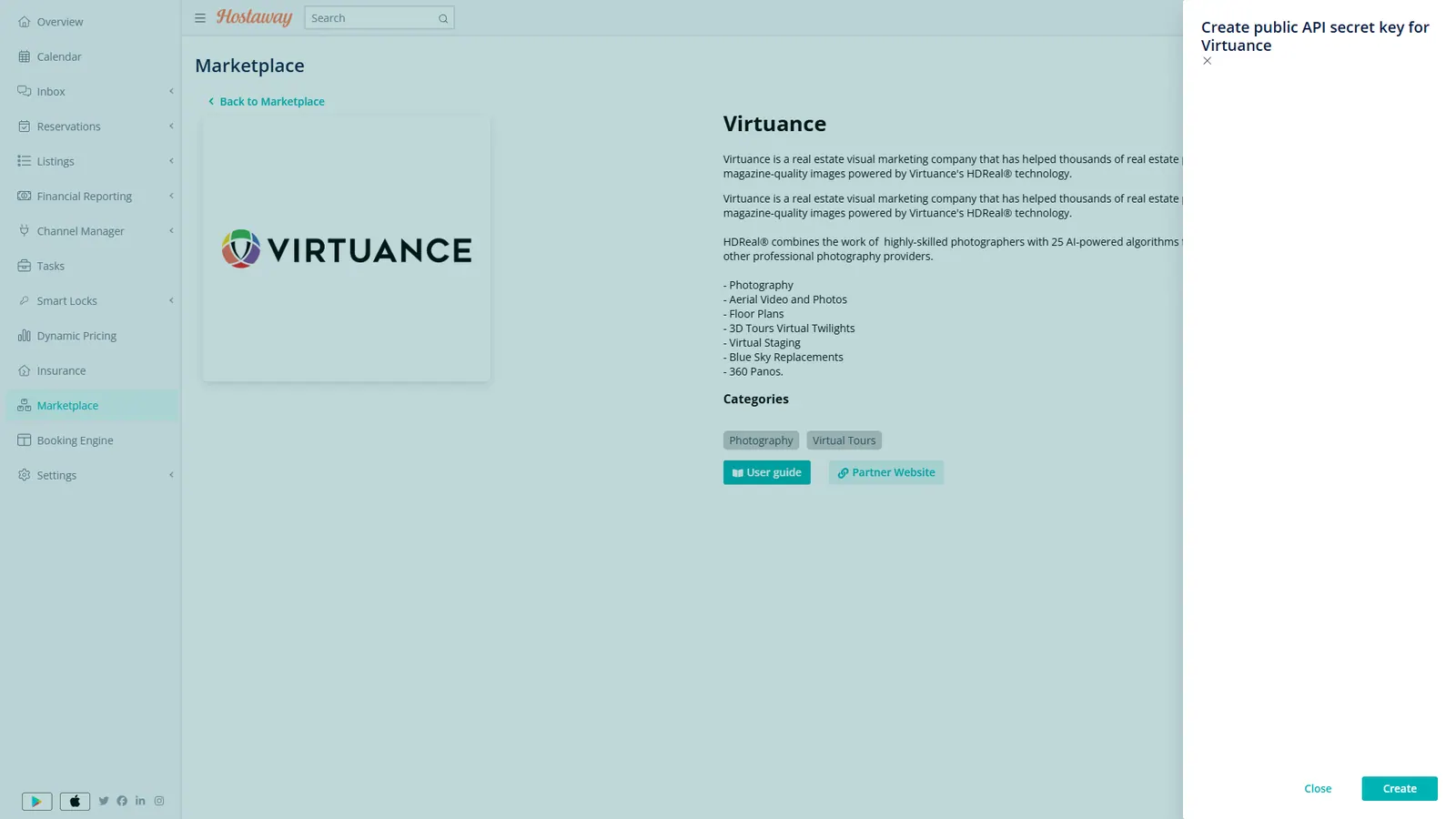
Click the Connect button, and then click Create on the sidebar to generate your Hostaway Account ID and API Secret. Leave this tab open.
Connect to 360Gurus.io
- Open a new browser tab and log in to 360Gurus.io.
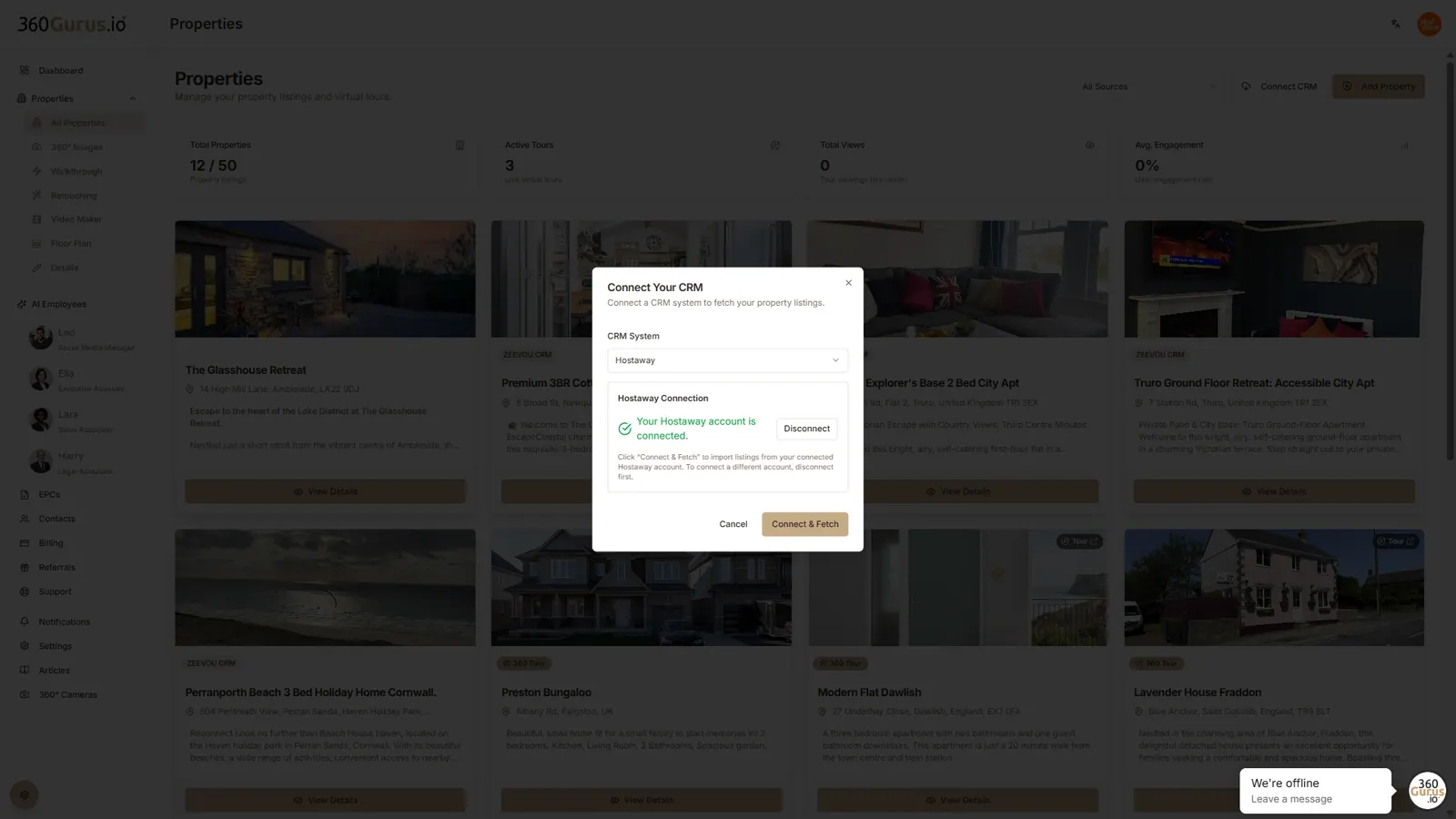
- Navigate to the All Properties page and click the Connect Integration button.
- Paste your Account ID and API Secret from Hostaway into the corresponding fields.
- Click Connect and Fetch.
- Choose exactly which properties you want to sync by checking the relevant boxes, then click Import.
Steps for creating a virtual tour
Uploading 360 images
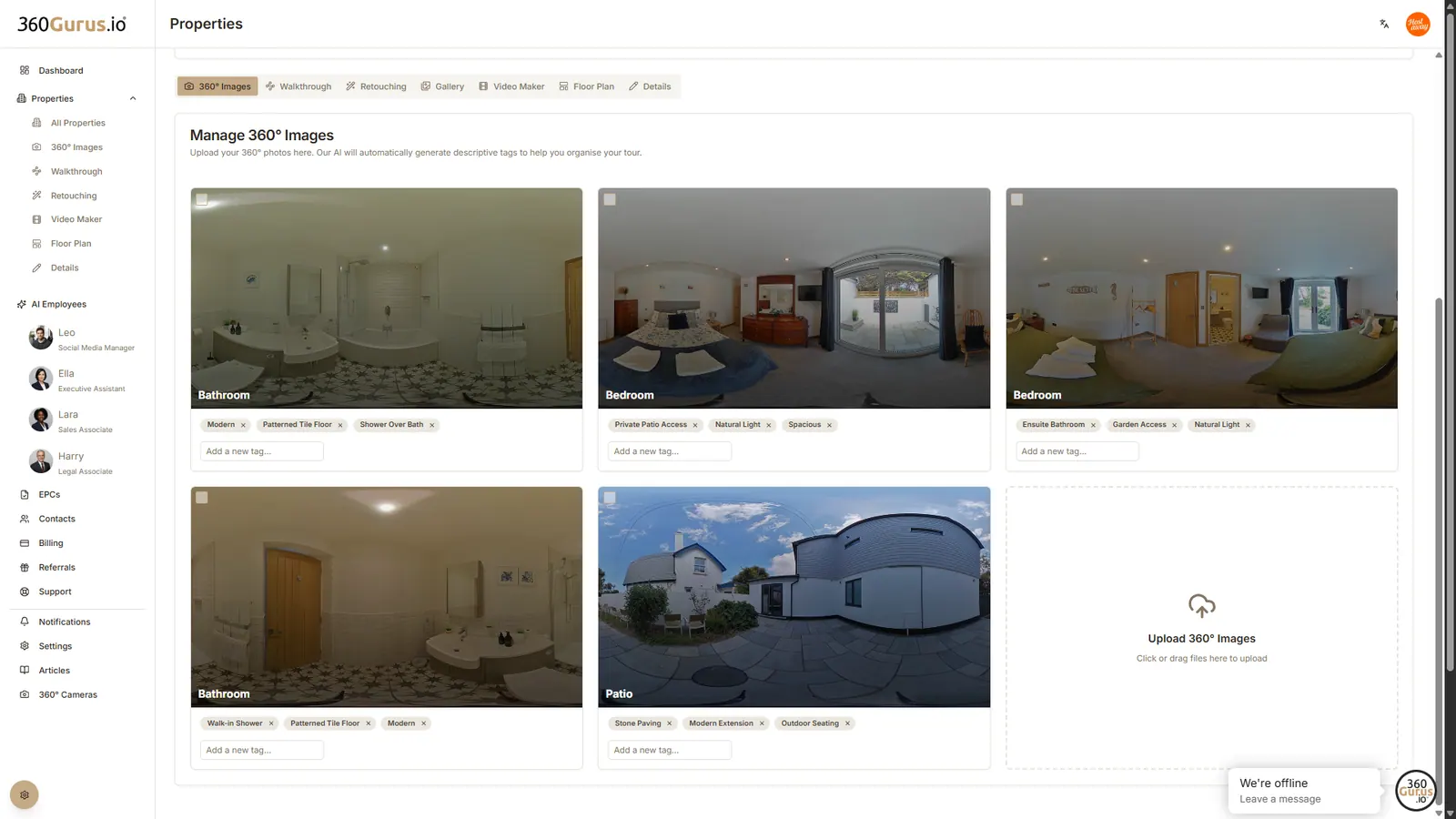
To begin uploading your images, navigate to the correct property via your dashboard, the All Properties page, or the Properties dropdown menu. Once opened, click 'Upload 360 Images'. The system will automatically tag and name them for you.
Creating the walkthrough
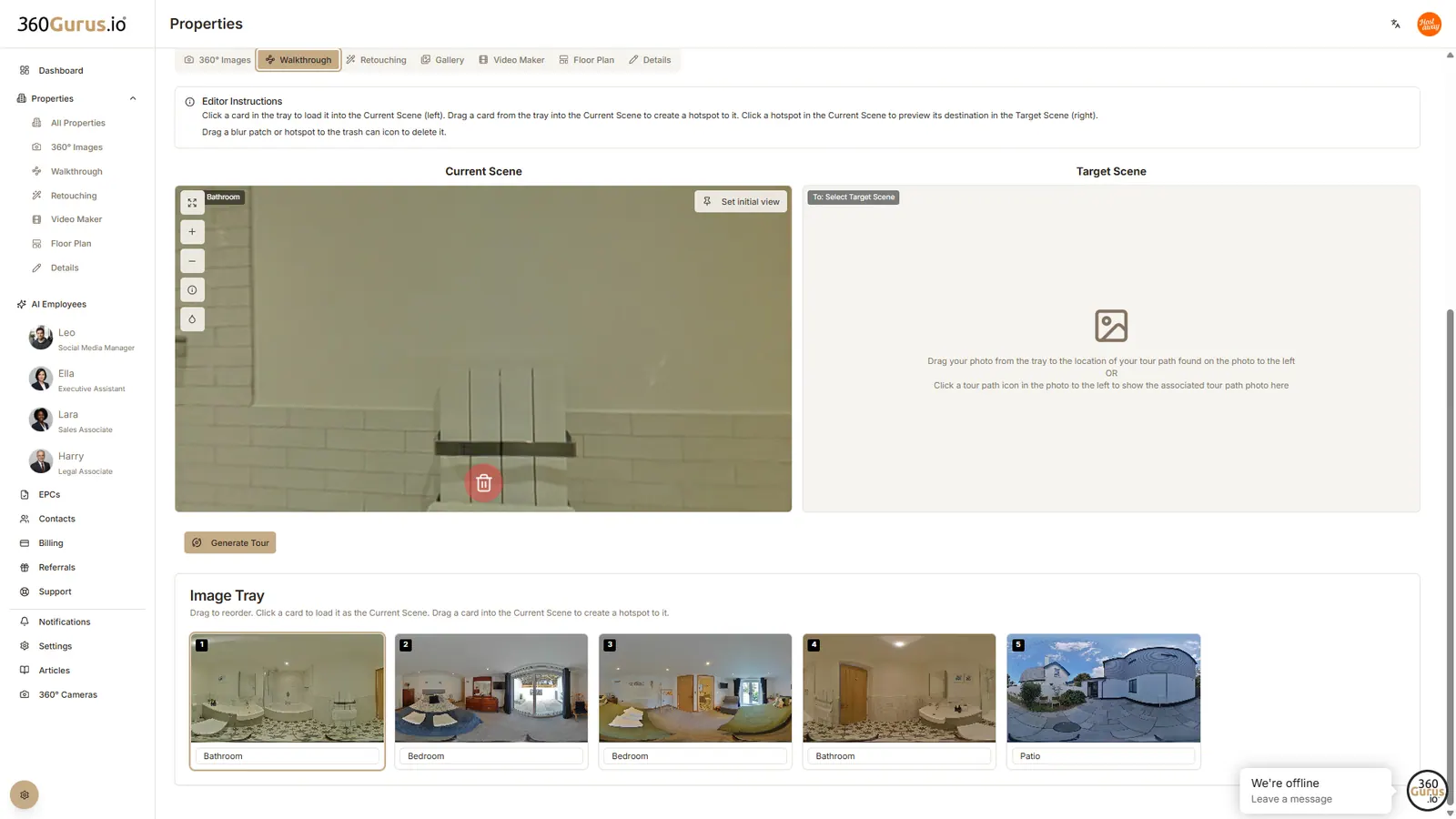
Access the walkthrough editor via the property tabs. Your Image Tray at the bottom contains all your uploaded photos.
2.1 Adding hotspots (linking rooms)
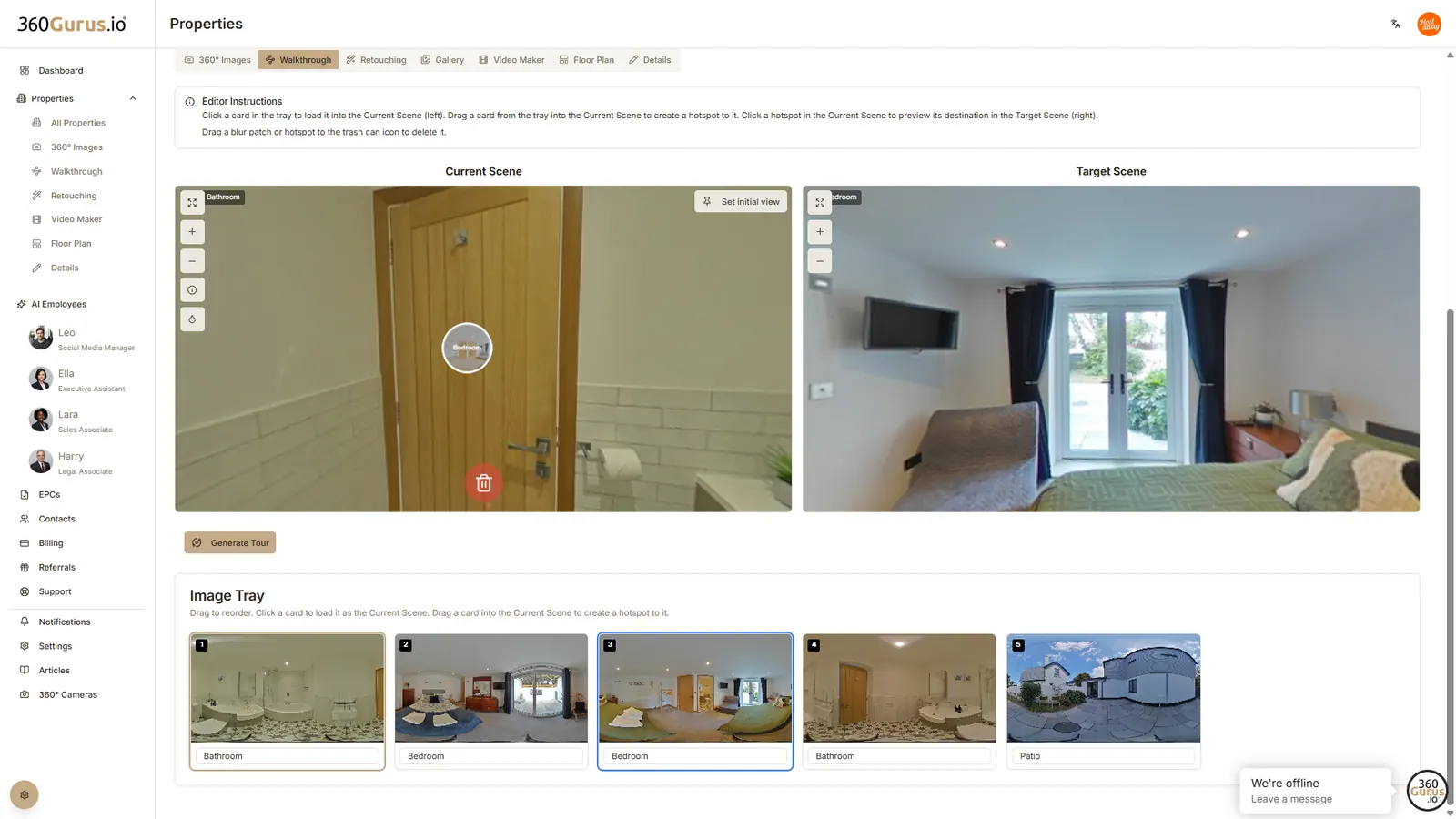
Simply click and drag an image from the tray onto your current scene to create a clickable link to another room.
2.2 Setting the initial view
Pan your camera to the perfect angle and click 'Set Initial View' to lock the starting point for viewers.
2.3 Adding infospots
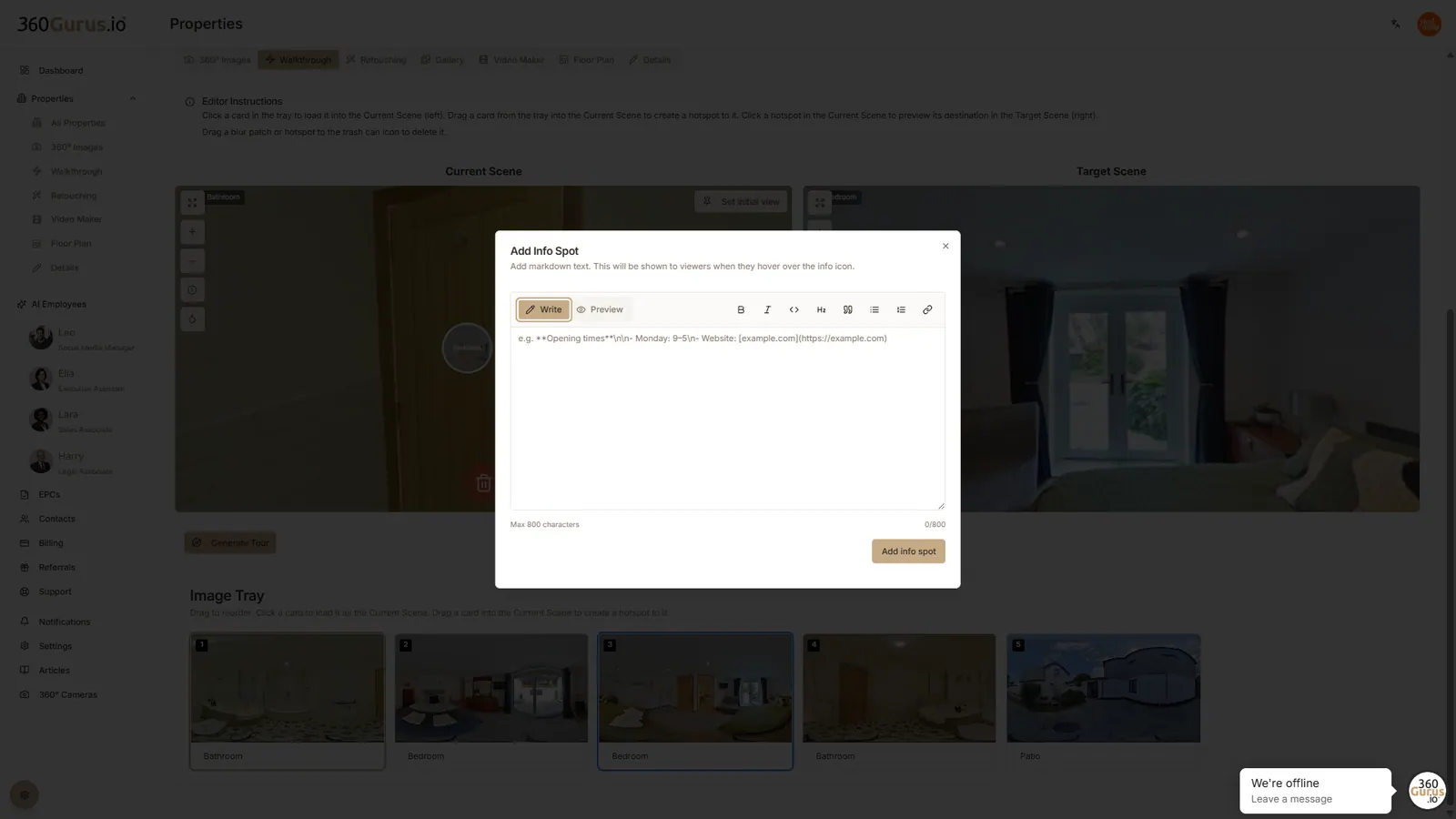
Use the Infospot tool to add hover-over text descriptions to highlight specific property features.
2.4 Using the blur tool
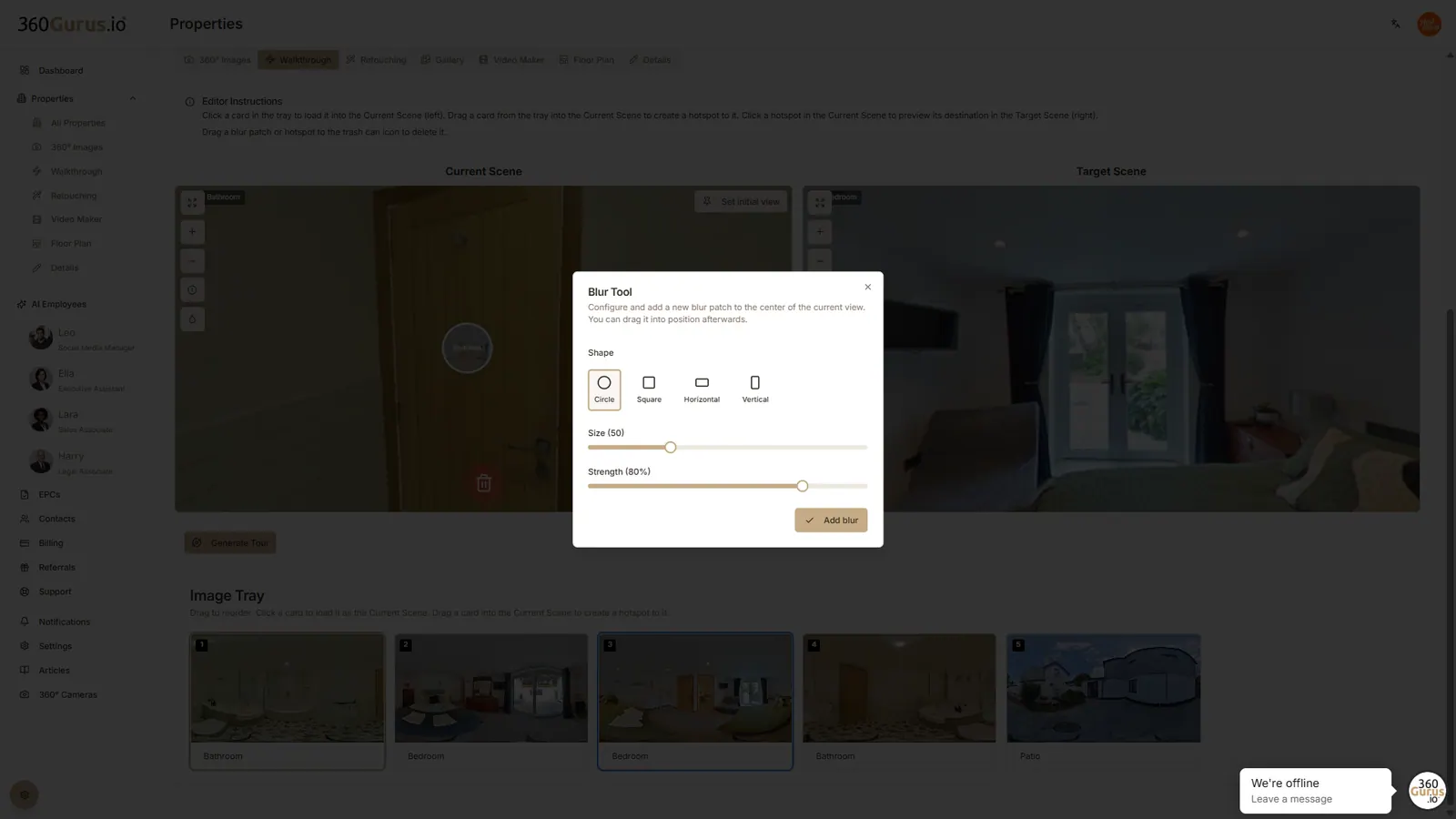
Obscure sensitive items or personal photos directly within the editor using our professional Blur Tool.
Generating your tour
Click 'Generate Tour' to publish. You will receive a direct link and HTML embed code for your website.
Additional features and enhancements
Gallery (2D images)
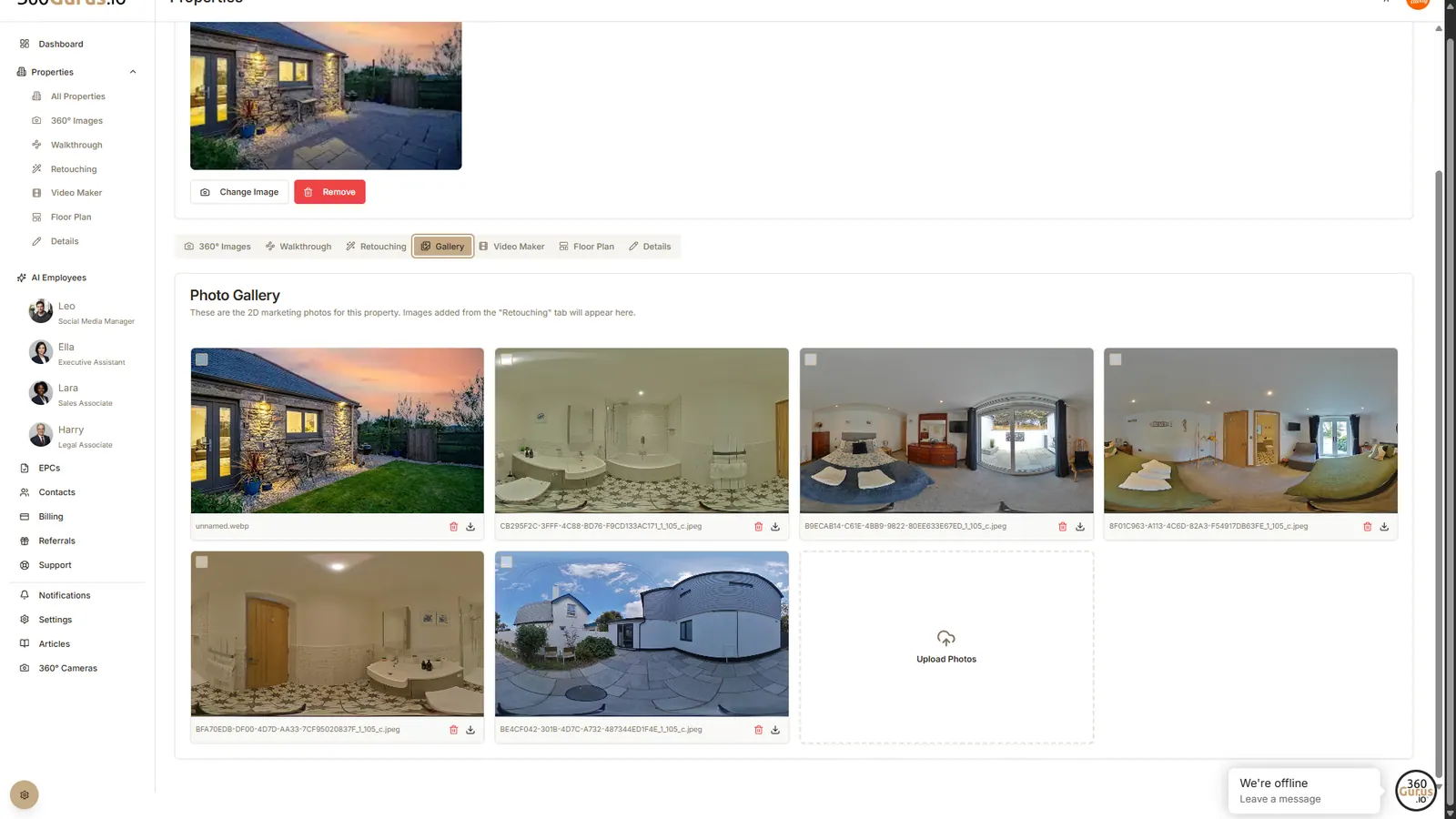
Upload and store traditional 2D marketing photographs alongside your virtual tour via the Gallery tab.
AI image retouching
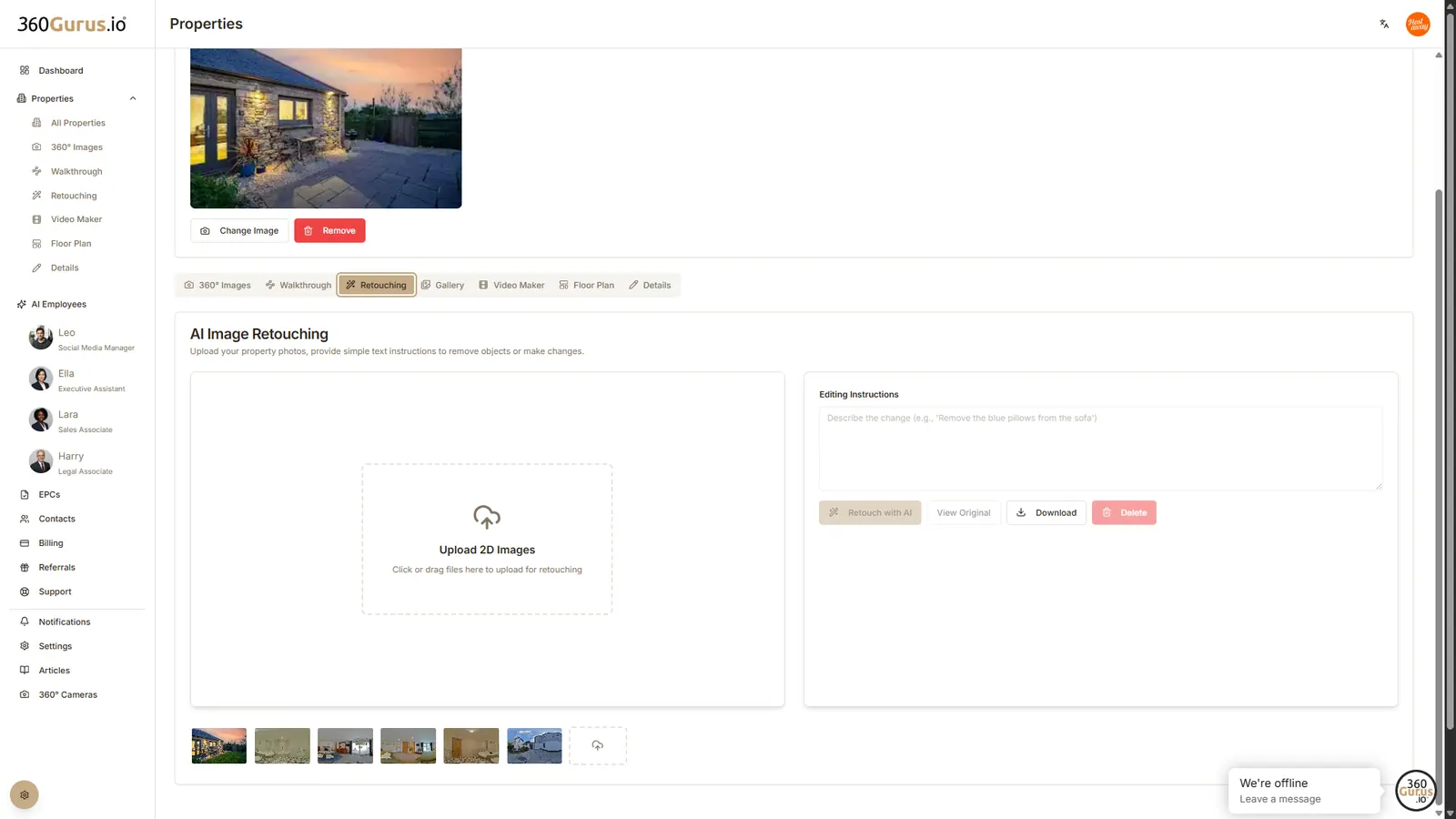
Seamlessly remove unwanted objects and beautify your images with our intelligent AI Retouching tool.
AI video maker
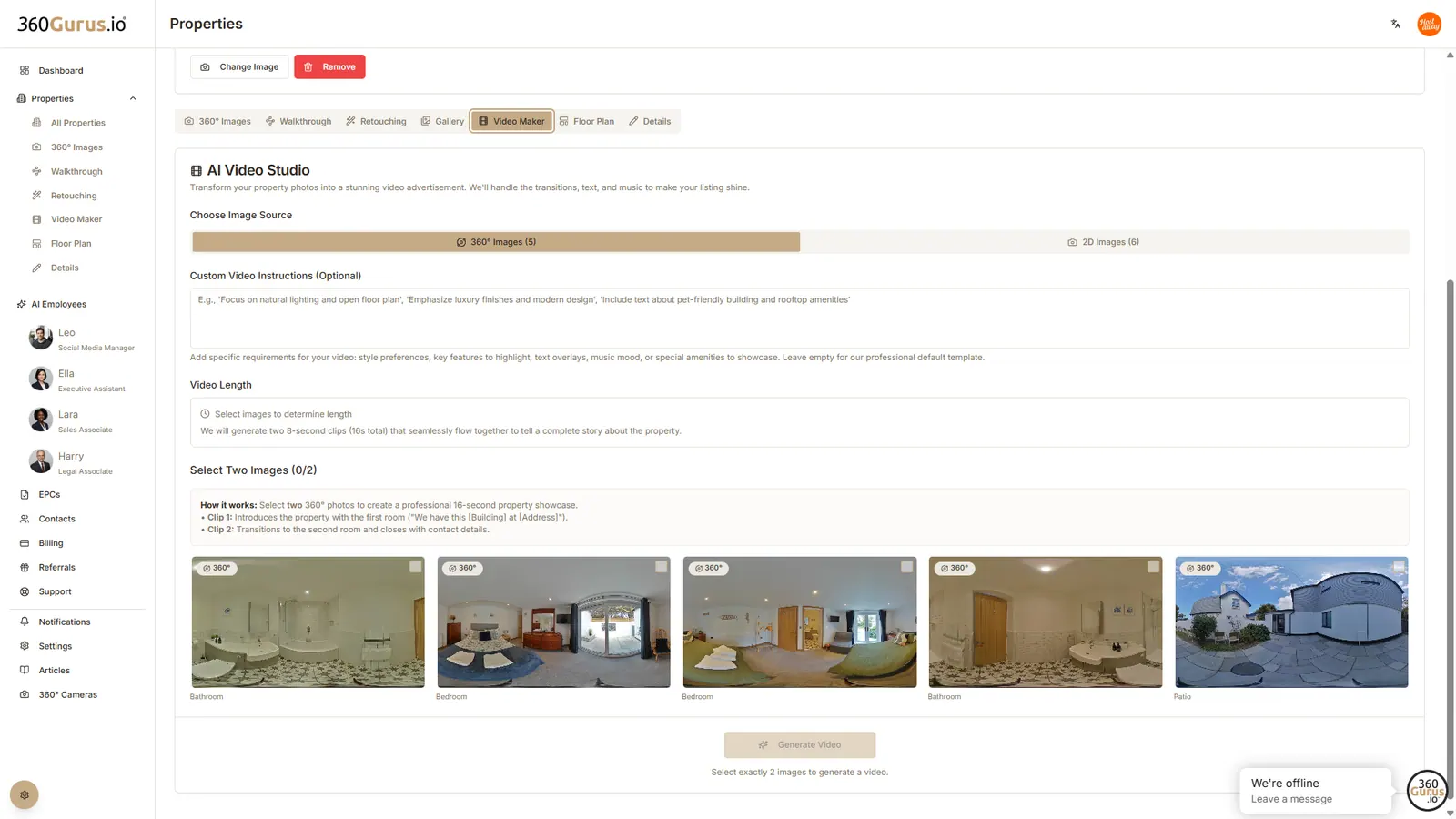
Generate professional marketing videos by selecting your best photos and letting our AI create engaging content.
Professional floor plans
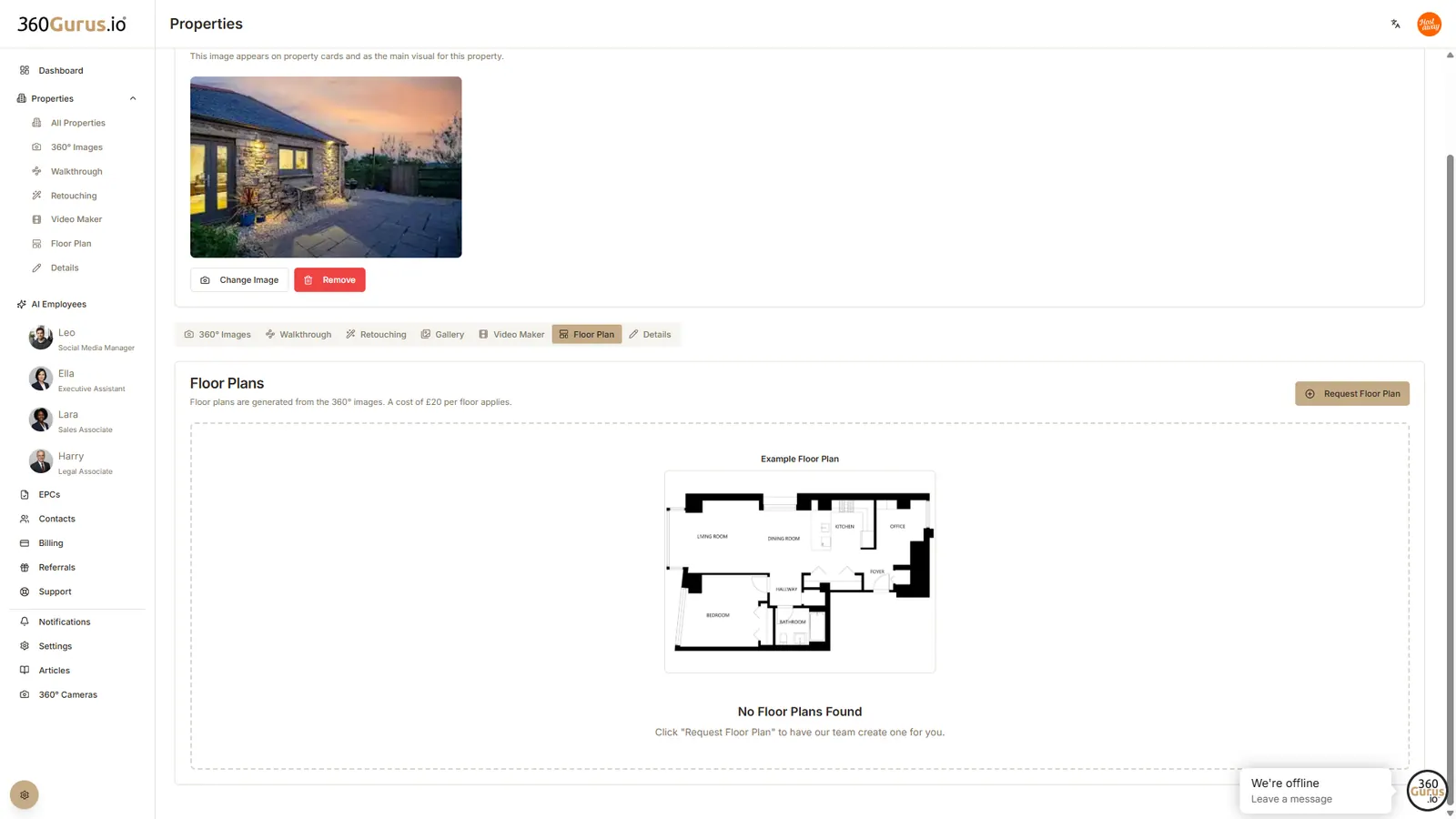
Request professional marketing floor plans (up to 5 floors) directly through the platform.
The details tab
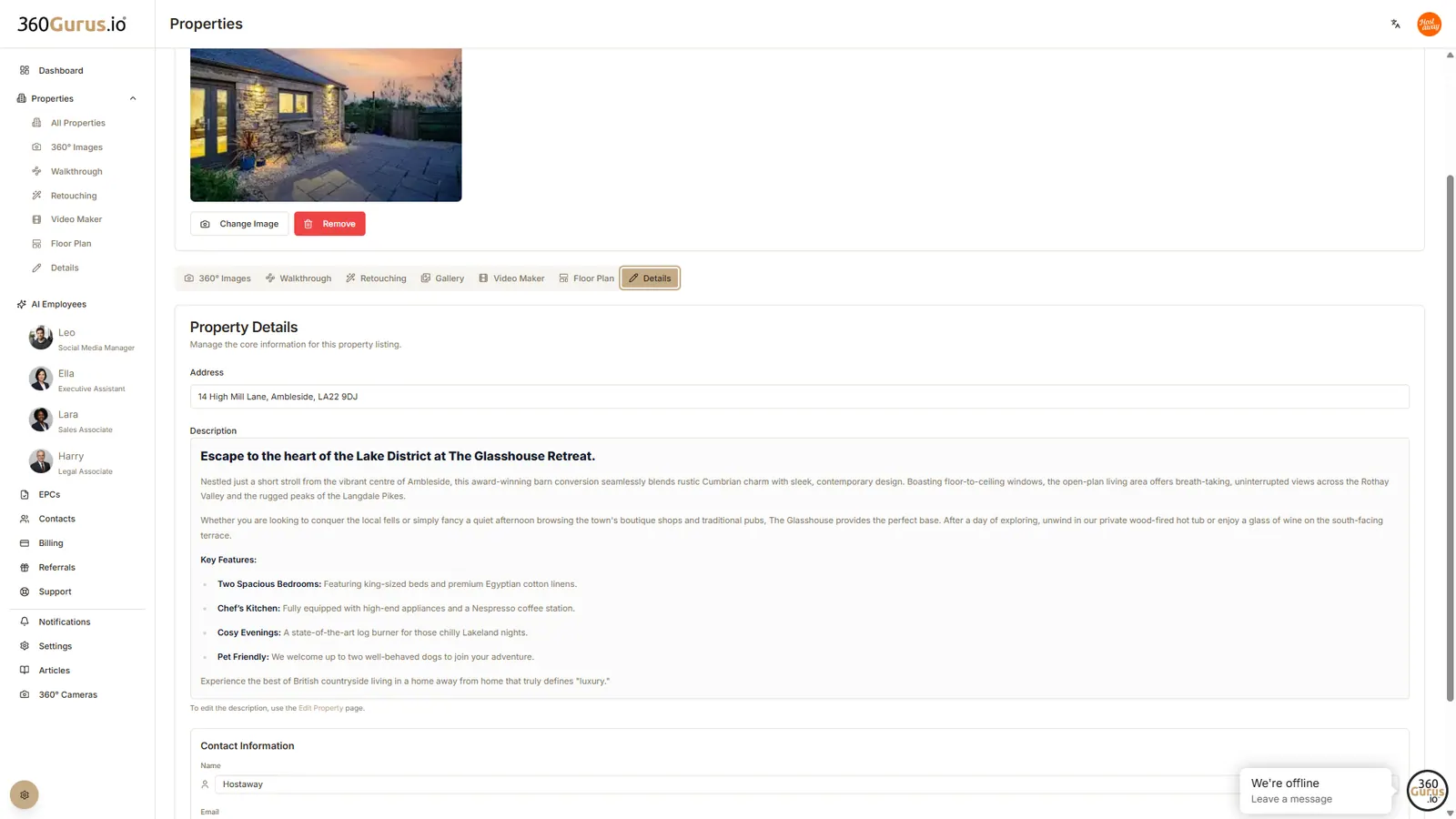
Your central hub for keeping address, descriptions, and contact information up to date.
Meet your AI Gurus

Leo, your social media manager
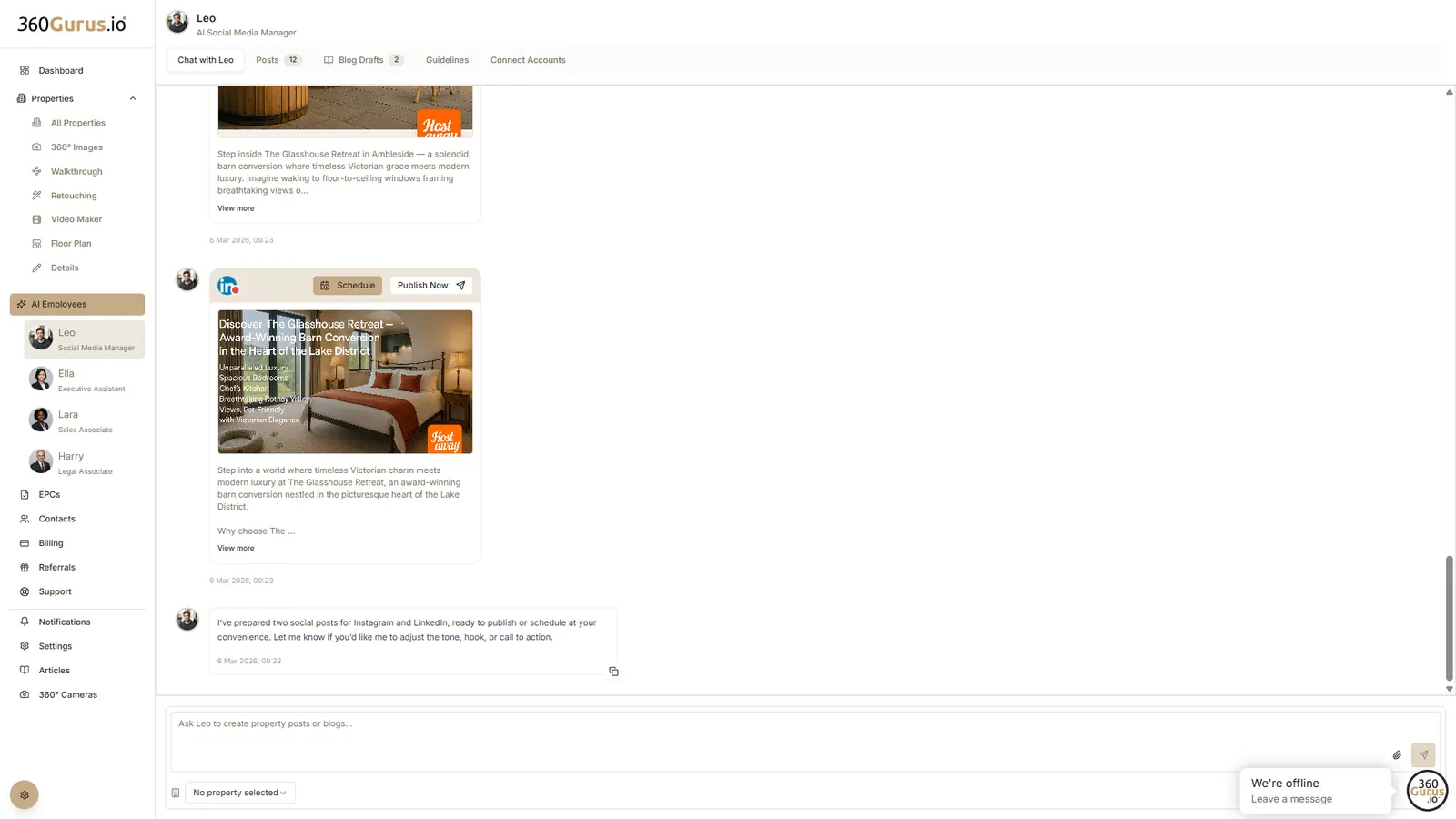
Generates and schedules content across platforms, manages your brand guidelines, and creates blog articles.

Ella, your executive assistant
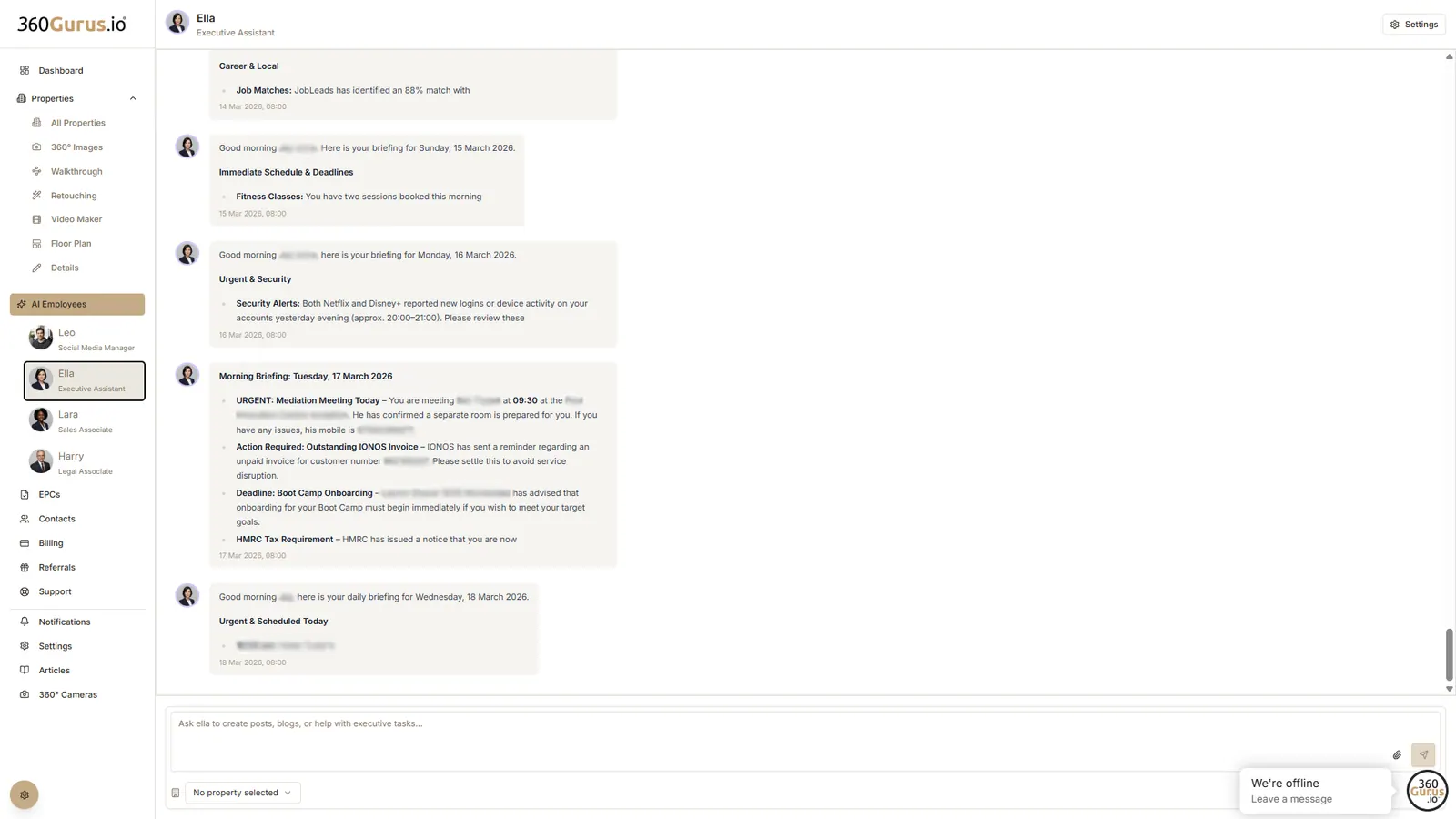
Streamlines daily admin, sorts your inbox, drafts replies, and keeps your calendar updated.

Lara, your sales associate
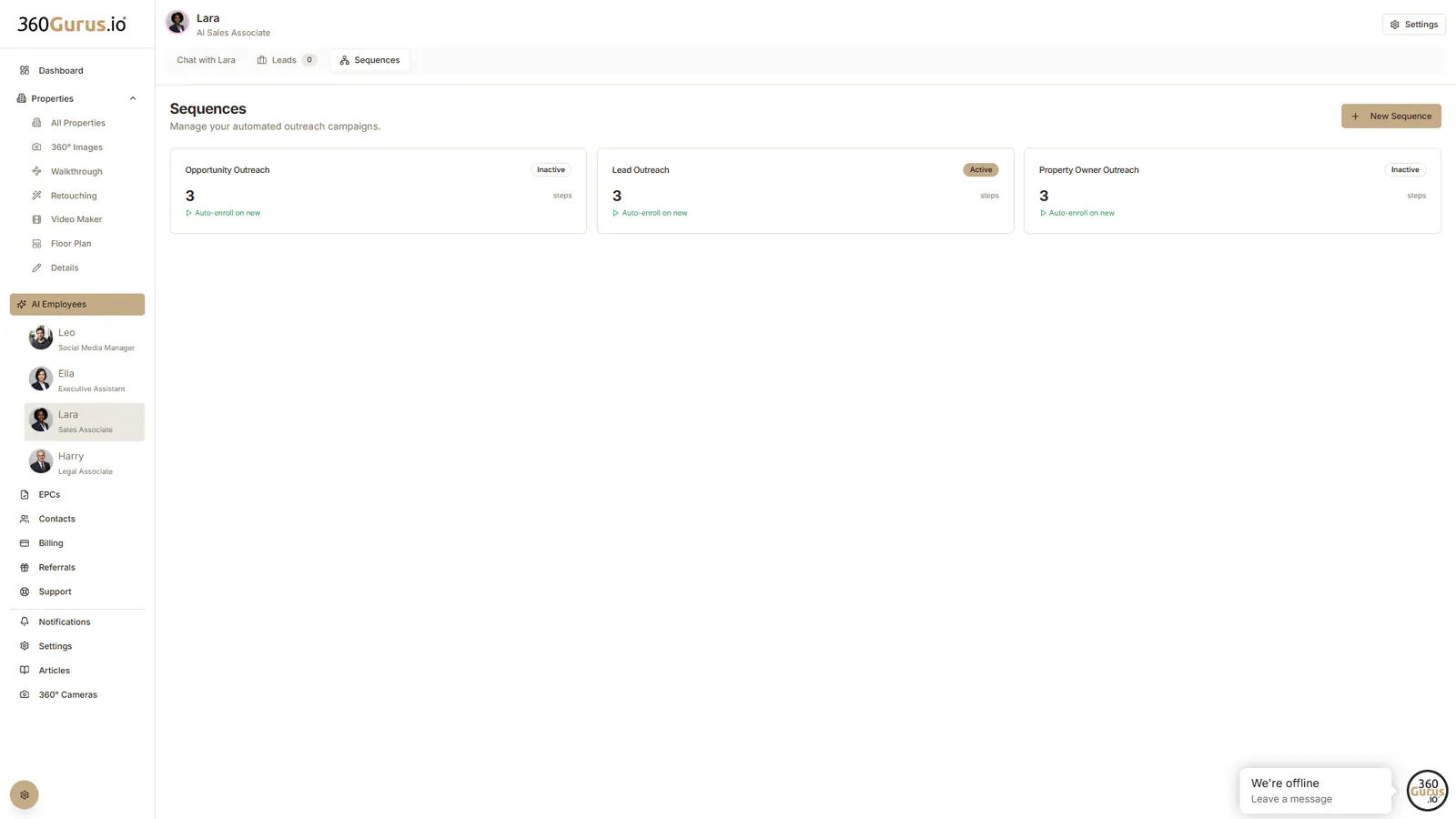
Acts as your dedicated outreach team, helping you find and connect with potential clients. Following a short setup, Lara can actively source new business leads through LinkedIn. She can also build fully editable, automated message sequences to contact the leads she finds, ensuring your outreach is both consistent and personalised.

Harry, your legal associate
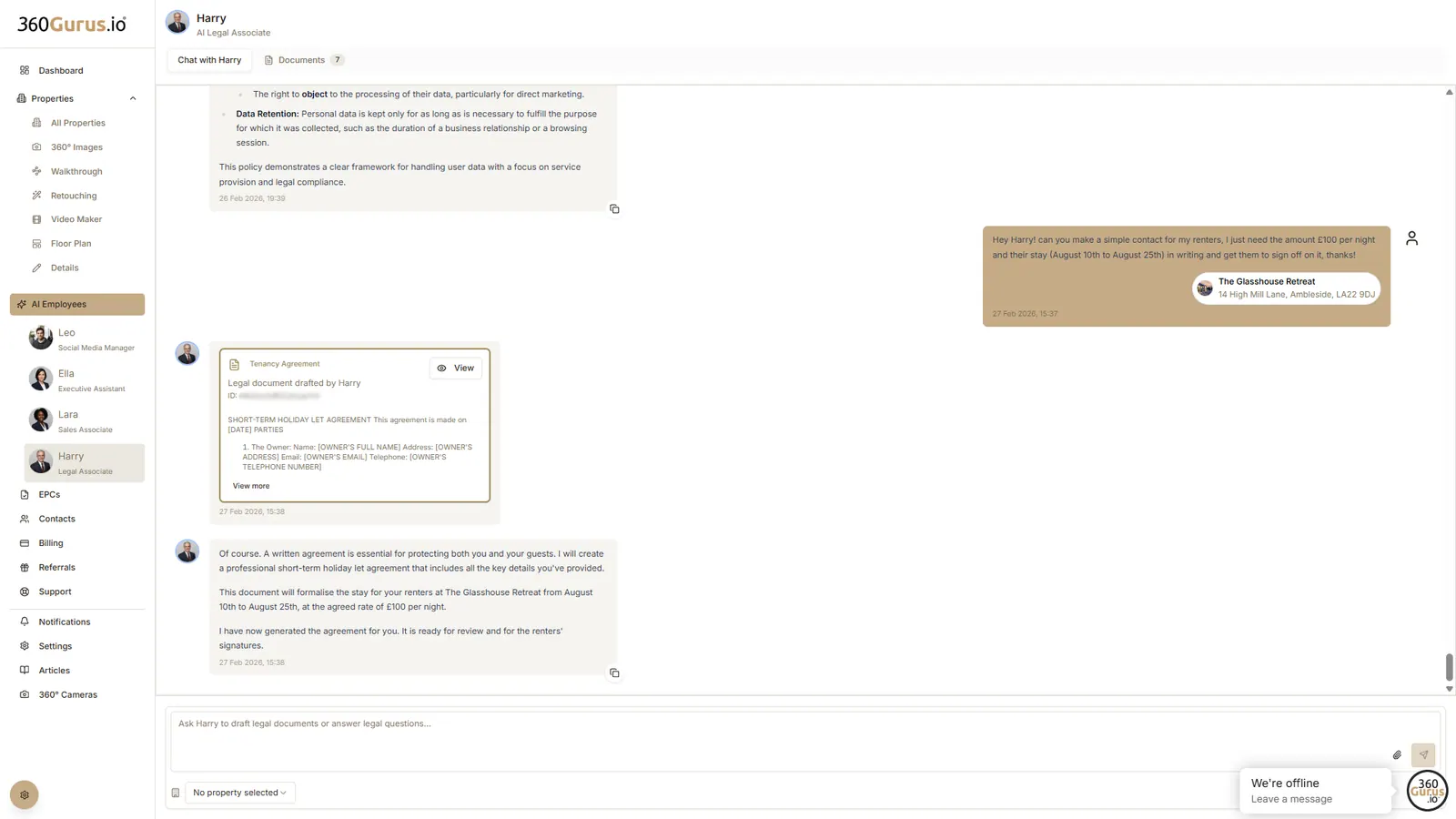
Your go-to assistant for summarising complex legal paperwork and ensuring your bespoke documents remain compliant.
Ready to get started?
Connect your Hostaway account today and transform your property marketing.